You sent the invites. You picked the theme. You ordered the cutest little cake for the mom-to-be to cut on camera. And then it hits you: what are we going to DO for two hours on Zoom?
That panic is real. Virtual baby shower games are make-or-break. The wrong ones and guests go quiet, start checking Instagram, and suddenly “have to run.” The right ones? People are laughing so hard they can’t breathe, and the party runs long because nobody wants to stop. These 17 virtual baby shower games have all been designed for a screen — no props that require a trip to the craft store, no setups that fall apart when someone’s Wi-Fi glitches.
Play two or three well. That’s the sweet spot.
1. Kahoot Baby Trivia (The Crowd Favorite You’re Sleeping On)
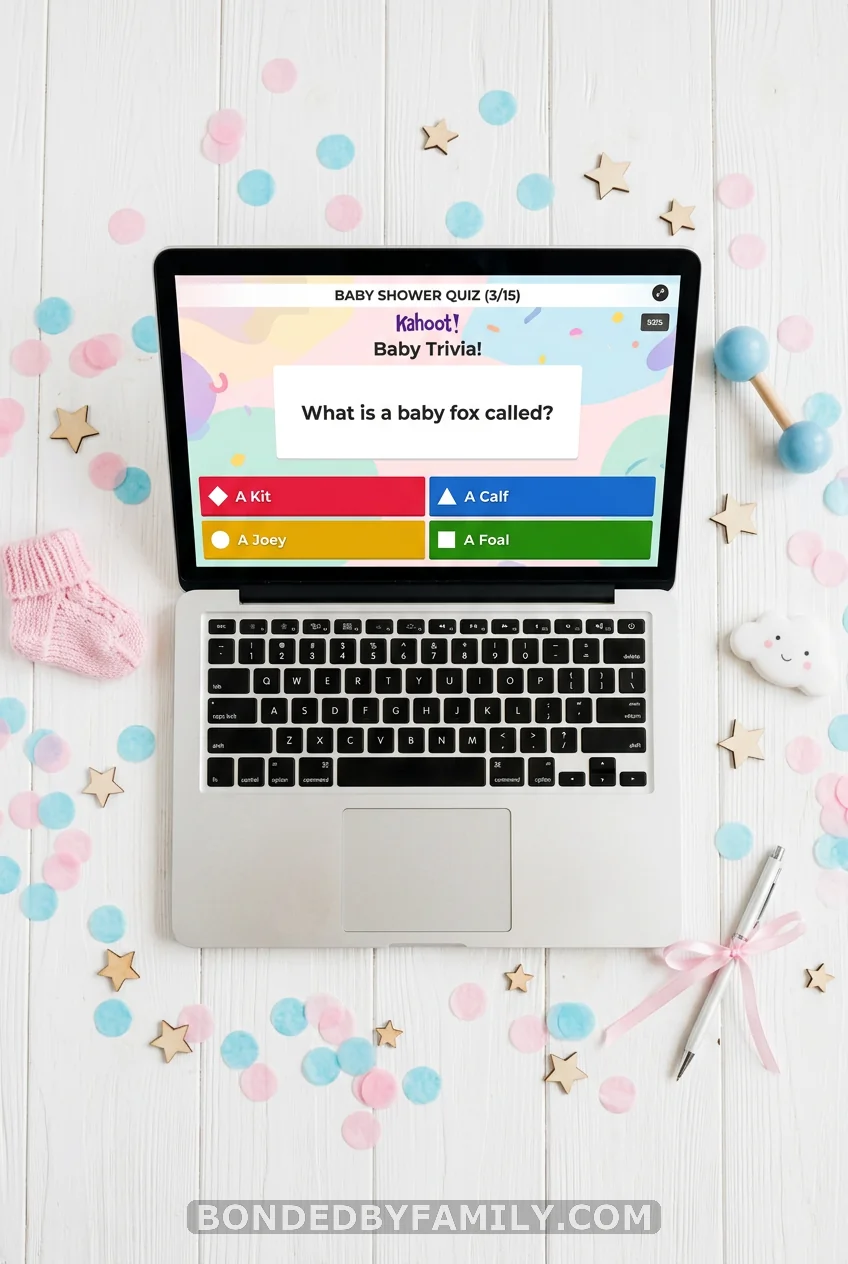
This is the game that will get your most competitive guests leaning toward their screens. Kahoot is a free platform that runs trivia in real time — every player uses their phone to buzz in, and the scoreboard updates live so everyone can see who’s winning. It feels like a game show. Because it basically is.
Why It Works on Zoom
The host shares their screen so guests see the question countdown timer. Players answer on their own phone simultaneously — no waiting, no awkward hand-raising. The platform handles scoring automatically, and the leaderboard flashes between rounds, which causes exactly the kind of trash talk that makes a party memorable.
Setting It Up (Step-by-Step)
What you need: A free Kahoot account (kahoot.com) and a list of 15–20 baby trivia questions. Cost: $0.
- Go to kahoot.com and create a free account.
- Click “Create” → “Quiz.”
- Add your questions one by one. Give each question 4 answer choices and set the timer to 20 seconds per question (enough time to think, not enough to Google).
- Good question ideas: “What sense does a newborn develop first?” (Smell.) “How many bones is a baby born with compared to an adult?” (270 vs. 206.) “What percentage of babies are born on their actual due date?” (5%.) “When do babies typically start sleeping through the night?” (3–6 months, but don’t let the new mom answer this one.)
- Save the game and click “Play” → “Classic mode.”
- A game PIN appears on the screen. Share this PIN in the Zoom chat.
- Guests go to kahoot.it on their phones and enter the PIN.
- Start the game. Everyone answers in real time. You’ll see the chaos unfold.
Cost Breakdown
Kahoot’s free plan supports up to 10 players with no time limit. If your guest list is larger, the free “Study” mode still works — just not as slick. Kahoot Plus starts at around $17/month, but for a one-time shower, the free tier handles most groups fine.
Common Mistakes to Avoid
Too many questions. Twenty is the ceiling. At question 21, people are done. Questions that are too hard. This isn’t a medical exam. Mix straightforward ones (“What do babies sleep in?” → crib) with genuinely surprising facts so everyone feels smart some of the time. Not doing a test run. Do a practice game with one other person the day before. The first five minutes of tech confusion will kill the energy if you haven’t sorted out the screen share and PIN distribution.
Pro Move
Ask the mom-to-be five questions beforehand — her due date prediction, middle name shortlist, cravings, the works. Weave her answers into the trivia. Now it’s not just baby facts. It’s a game about her, which is what every great baby shower game is at its core.
2. Emoji Pictionary
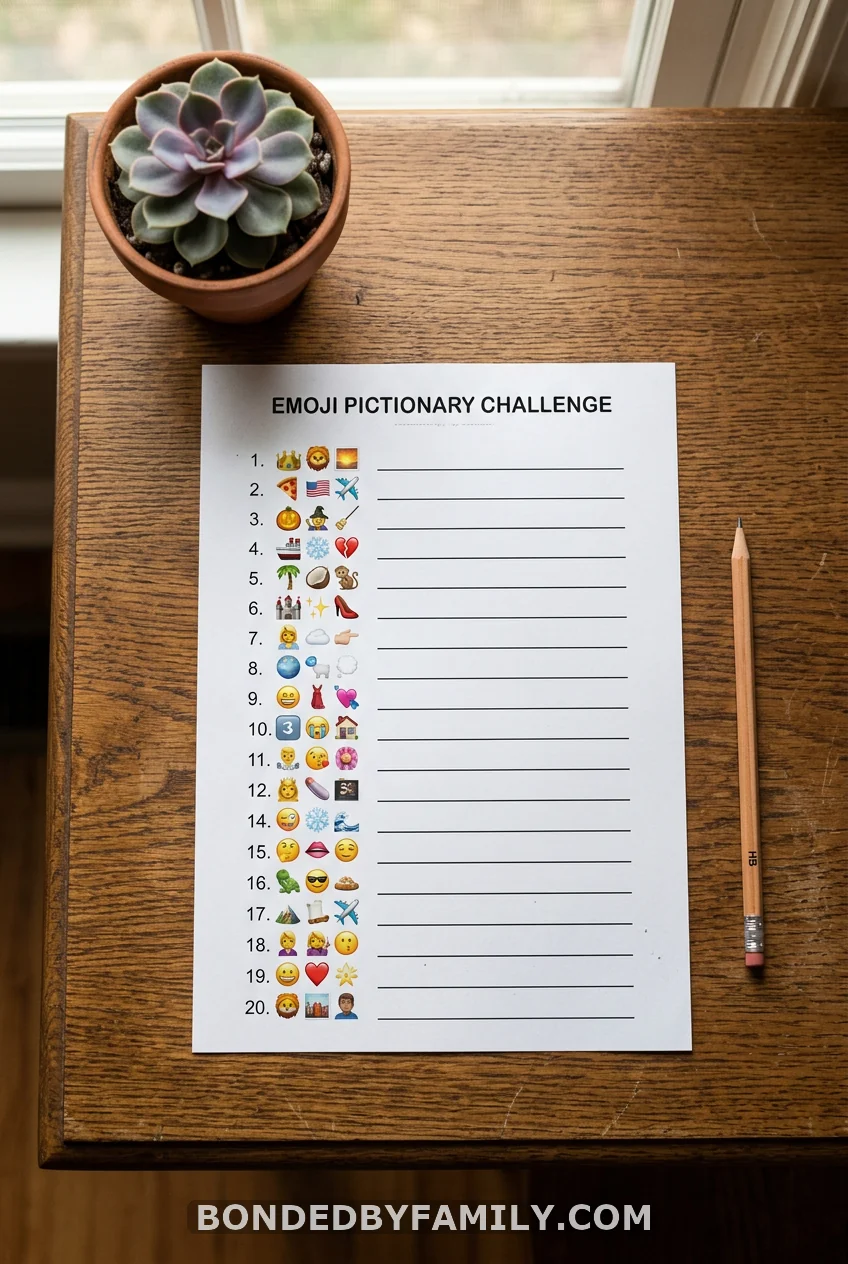
Share a slide (Google Slides or PowerPoint works fine) with 15 emoji combinations on screen. Guests race to decode each one — baby-related phrases written entirely in emojis. “🤱🍼😴” might be “nursing to sleep.” “👶🎵🌙⭐” is “Twinkle Twinkle Little Star.”
The host goes through each one while guests type their answers in the Zoom chat simultaneously. First correct answer wins that round. No prep beyond building your slide deck — or buying a printable from Etsy for $3–5. You don’t need paper. Everything lives on screen.
3. Baby Shower Bingo (The Gift-Opening Edition)
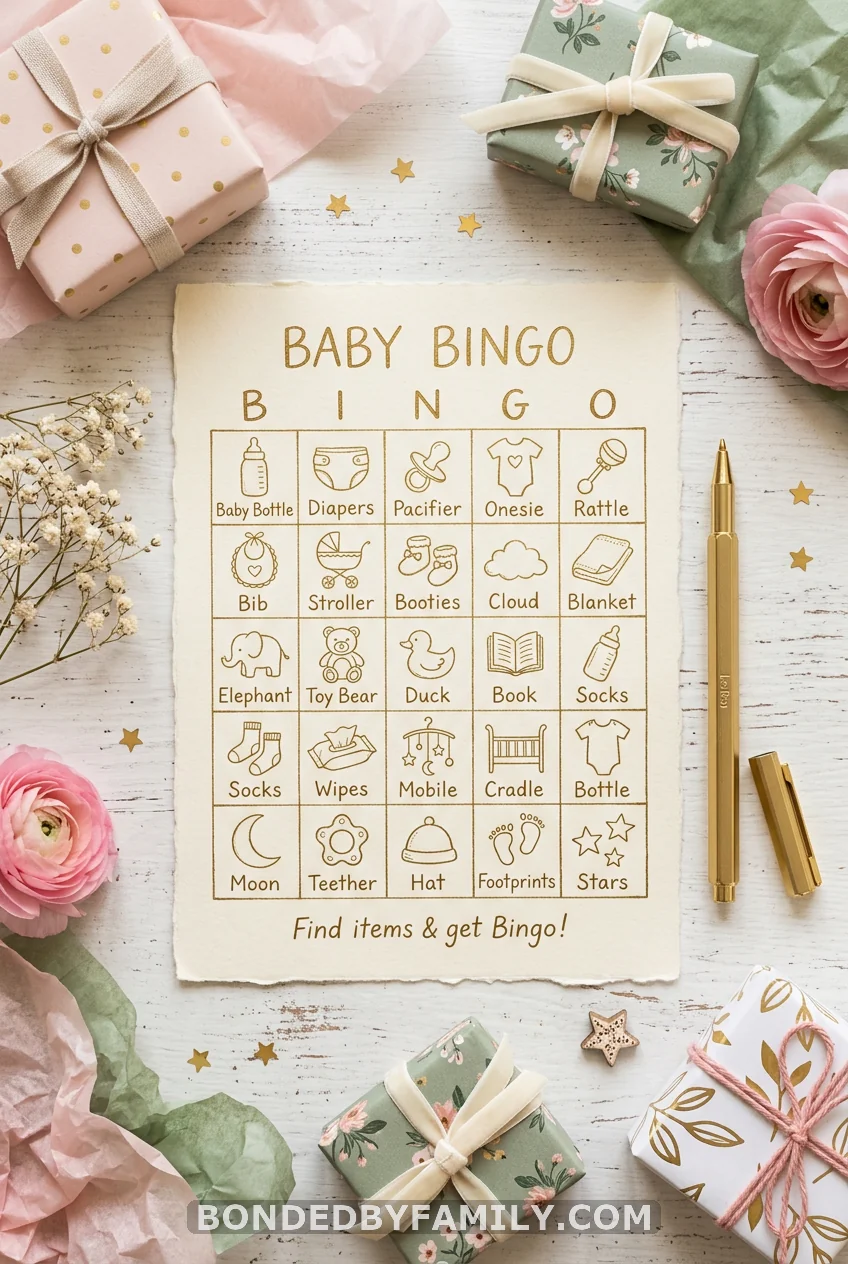
Gift bingo is bingo, but you fill your card with what you think Mom is about to unwrap. “Diaper bag.” “Swaddle set.” “White noise machine.” Everyone fills out their cards before the gift-opening session on Zoom, then marks off squares in real time as presents get revealed on camera.
It solves the biggest problem with gift-opening at virtual showers: guests checking out. Suddenly, everyone needs to pay attention, because their bingo squares depend on it. Use a free generator at myfreebingocards.com to make unique cards for every guest. Send the PDF ahead of time.
4. The Price Is Right (Baby Registry Edition)
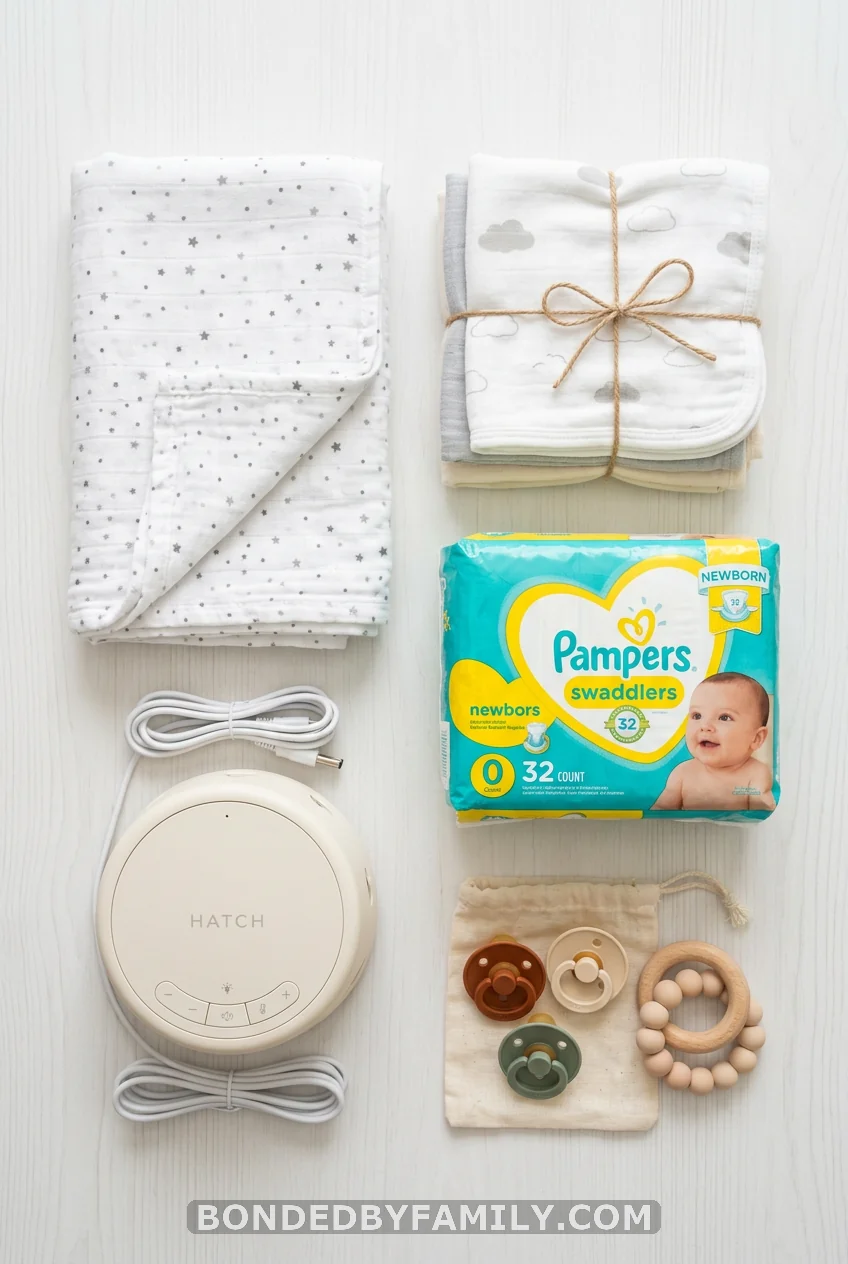
Pull 10 items straight from the actual baby registry. Show each one on screen — image, brand, description — and have guests write their price guess on paper or type into the chat. Closest answer without going over wins that round (or just closest, if you want to be kinder to your guests).
The brilliance here is the registry connection. Guests who haven’t bought a gift yet suddenly get gift ideas handed to them mid-game. Two problems solved at once.
Cost reality: Free to run. Take 20 minutes to pull screenshots of registry items and their prices beforehand. That’s your whole prep.
5. Virtual Baby Shower Scavenger Hunt
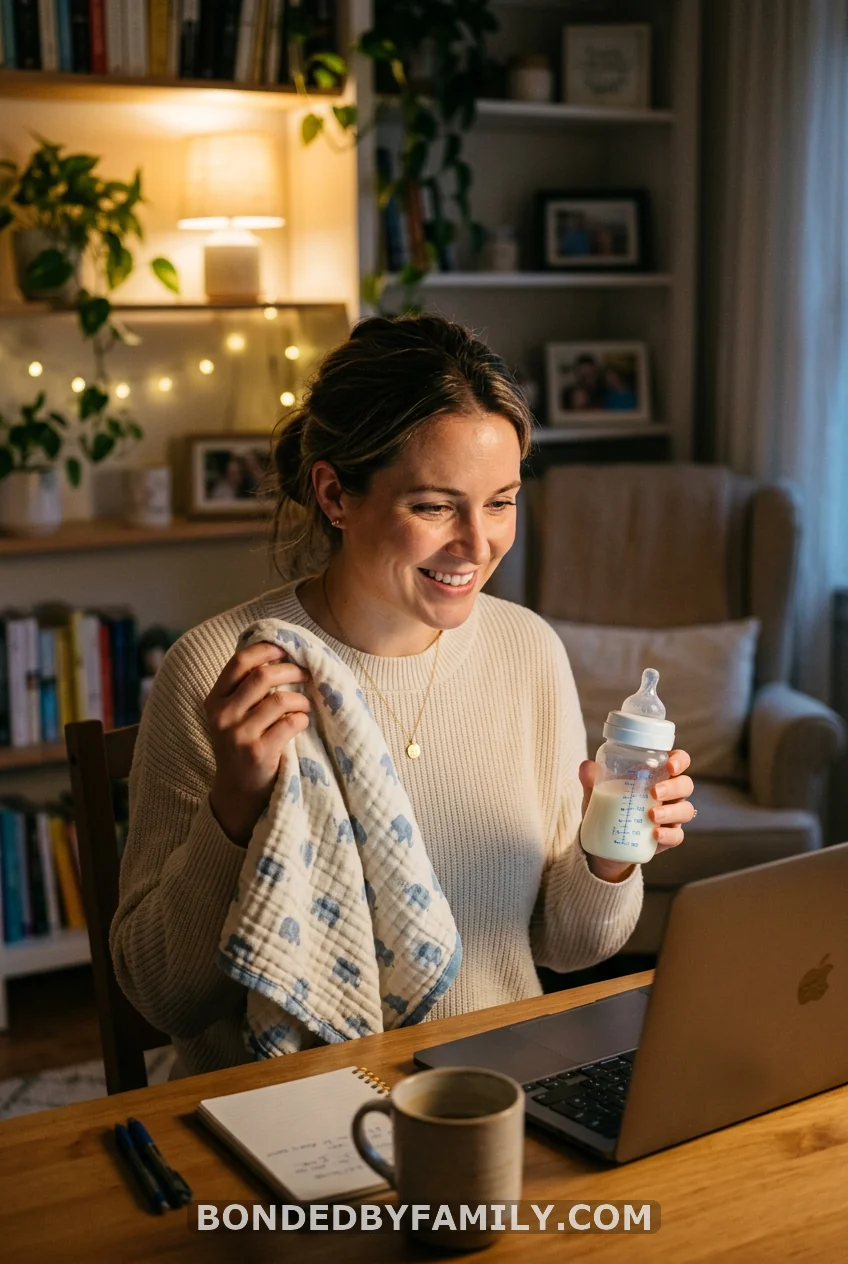
The host calls out one item at a time — “a baby photo of yourself,” “something yellow,” “something that makes noise” — and guests sprint around their homes to find it first. First person back on camera holding the item, wins that round.
This is your highest-energy game. Use it mid-shower when energy dips. Ten items is plenty. You’ll hear doors slamming and people sprinting and someone dramatically holding up a banana because it’s the only yellow thing in their apartment. It’s chaos. Good chaos.
6. Name That Tune — Baby Songs Edition
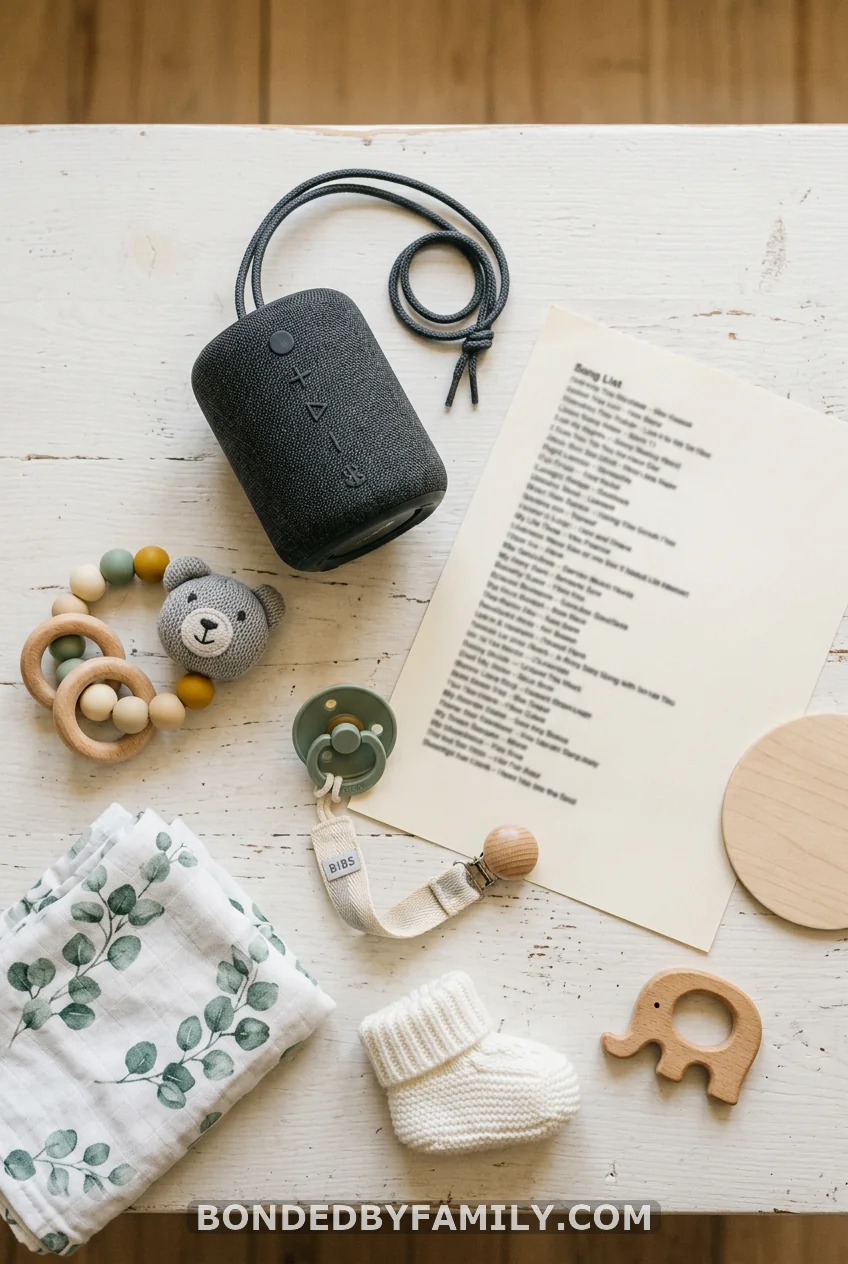
Play a 5–10 second clip of a famous lullaby, kids’ show theme, or song with “baby” in the title. Guests type their guess in the Zoom chat the second they know it. First correct answer wins.
Mix old and new so every age range has a shot: “Twinkle Twinkle,” the Bluey theme, Justin Bieber’s “Baby,” the Cocomelon jingle, Beethoven’s “Für Elise” (every millennial’s piano teacher forced it on them). Spotify makes this plug-and-play. Build a playlist ahead of time and share your audio during screen share.
7. Who’s That Baby?
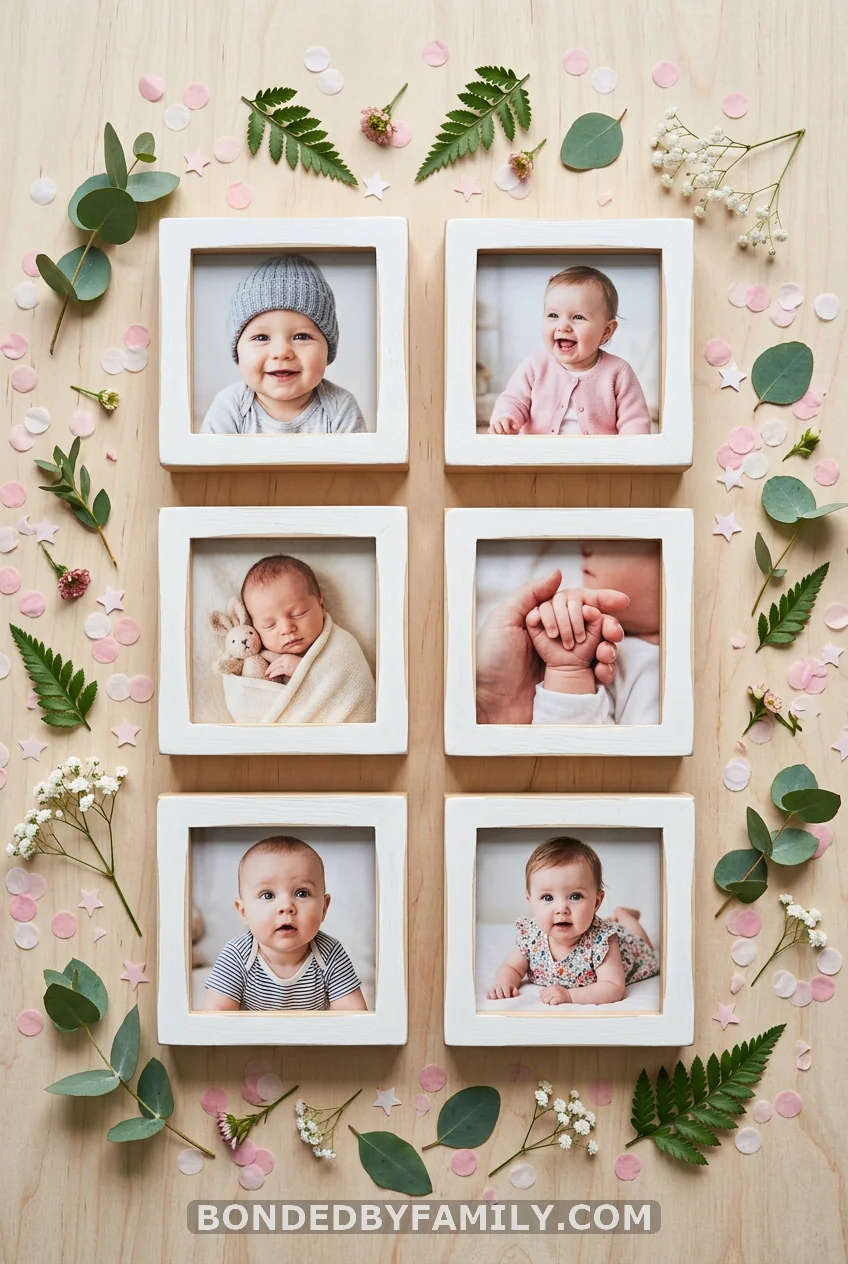
Before the shower, ask every guest to email you one baby photo of themselves. Compile them into a numbered slide deck. Display one at a time and let guests type their guess for which guest is in each photo.
The game runs itself once you have the photos. It doubles as a conversation starter when the right match gets revealed — “Wait, that was YOU?!” happens at least four times per game, guaranteed. Collect photos at least a week out. People are slow to respond.
8. Don’t Say Baby
Tell every guest at the start of the shower: don’t say the word “baby.” If someone catches you saying it, they call you out in the chat. You lose a point (or a virtual token — keep track in the chat). Most undetected wins.
The catch is that everyone forgets. Which is the entire point. By the third minute, someone says, “I’m so excited for the baby shower,” and the chat explodes. Runs for the whole party. Zero prep. Zero cost. Just a rule and a chat full of people acting as referees.
9. Baby Mad Libs
Share a Google Form or simply read out the blanks aloud: “When [Mom’s name] found out she was pregnant, she immediately called [Guest fills in: a noun] and said ‘[Guest fills in: an exclamation].'” Collect all the answers first, then read the completed story out loud.
It takes about three minutes of responses and five minutes of the host reading a completely unhinged birth announcement or parenting advice column back to the group. Record this one. Mom is going to want to watch it back when sleep deprivation has her questioning her sanity.
10. Beer Belly or Baby Bump?
Show a series of belly photos on screen — some pregnant, some not. Guests vote: baby bump or beer belly? It sounds juvenile, which is exactly why it works. The judgment calls are trickier than you’d think, and wrong answers spark debates.
Build the slide using royalty-free stock photos. Sites like Unsplash have plenty. Run it as a rapid-fire game: 10 photos, 10 seconds each, everyone writes their answers privately, then reveal all at once.
11. Baby Jeopardy
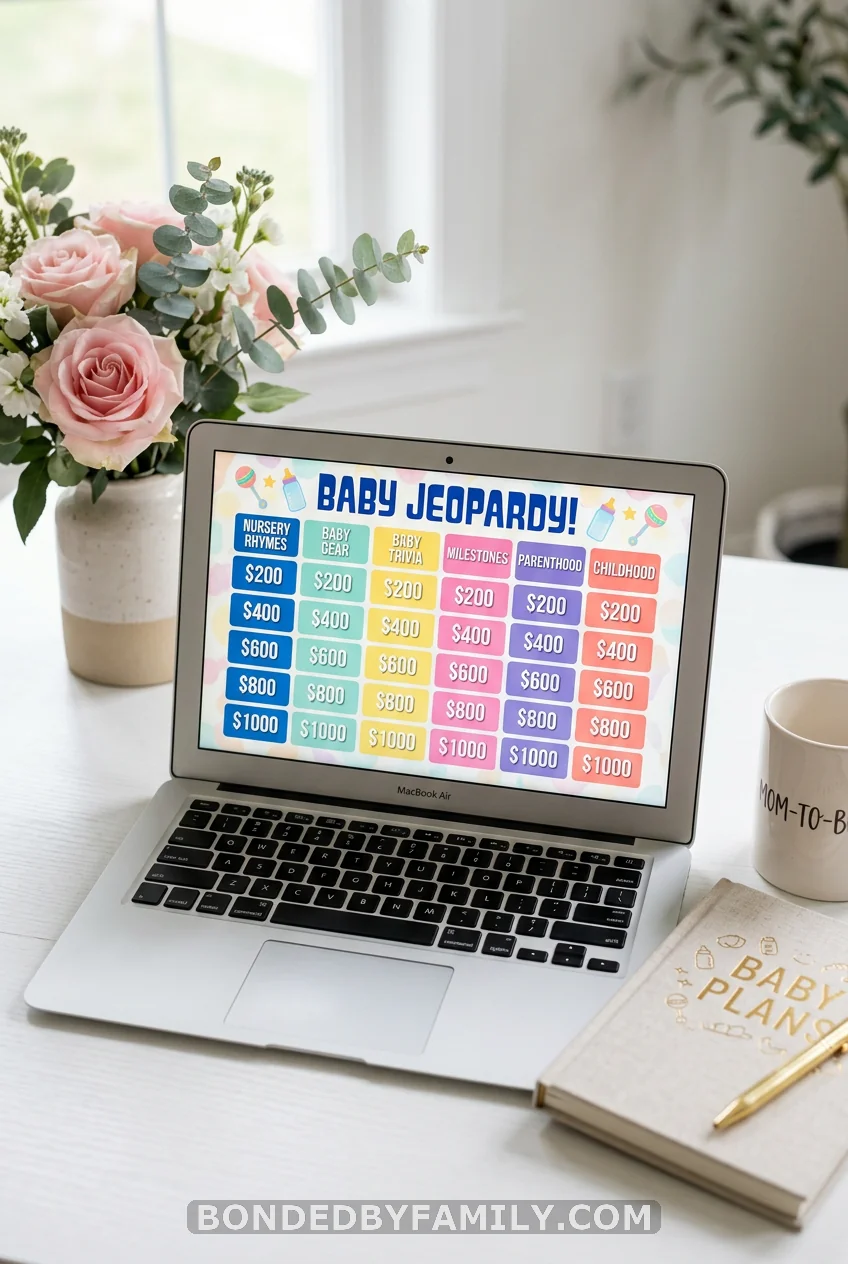
Divide guests into teams (use Zoom breakout rooms for 30 seconds of team huddles after each question). Categories might include: Baby Items, Nursery Rhymes, Celebrity Baby Names, Pregnancy Facts, and “Things Mom Said During the First Trimester.”
A free Jeopardy template is available on jeopardylabs.com — you can build a custom board in under 20 minutes. The “Things Mom Said” category is where the real gold is. Have someone interview Mom beforehand and transcribe her most memorable quotes. Guests try to match the quote to the situation.
12. Predictions Card
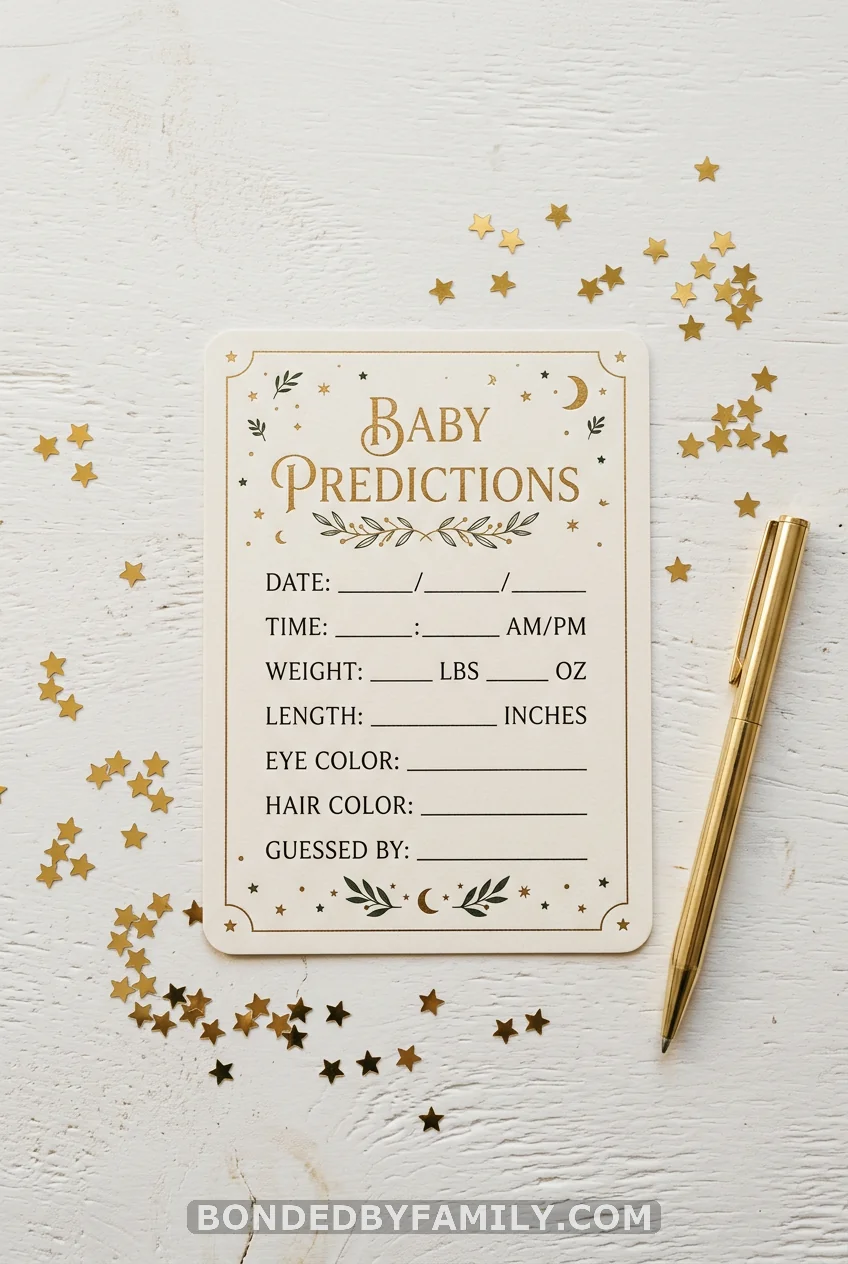
Everyone fills out their birth predictions: due date guess, birth weight, height, eye color, hair or no hair, time of delivery. Submit via a Google Form during the shower. The host saves the responses, and when baby arrives, the parent sends out the winner’s name.
What makes this different from a raffle is the specificity — guests have to genuinely think, and the closest total score wins (not just due date). Points for each correct category. Mail the winner a $15–25 Amazon gift card after the birth. Prize logistics: easiest way is Amazon’s “email a gift card” feature, no shipping required.
13. Would You Rather — Baby Edition
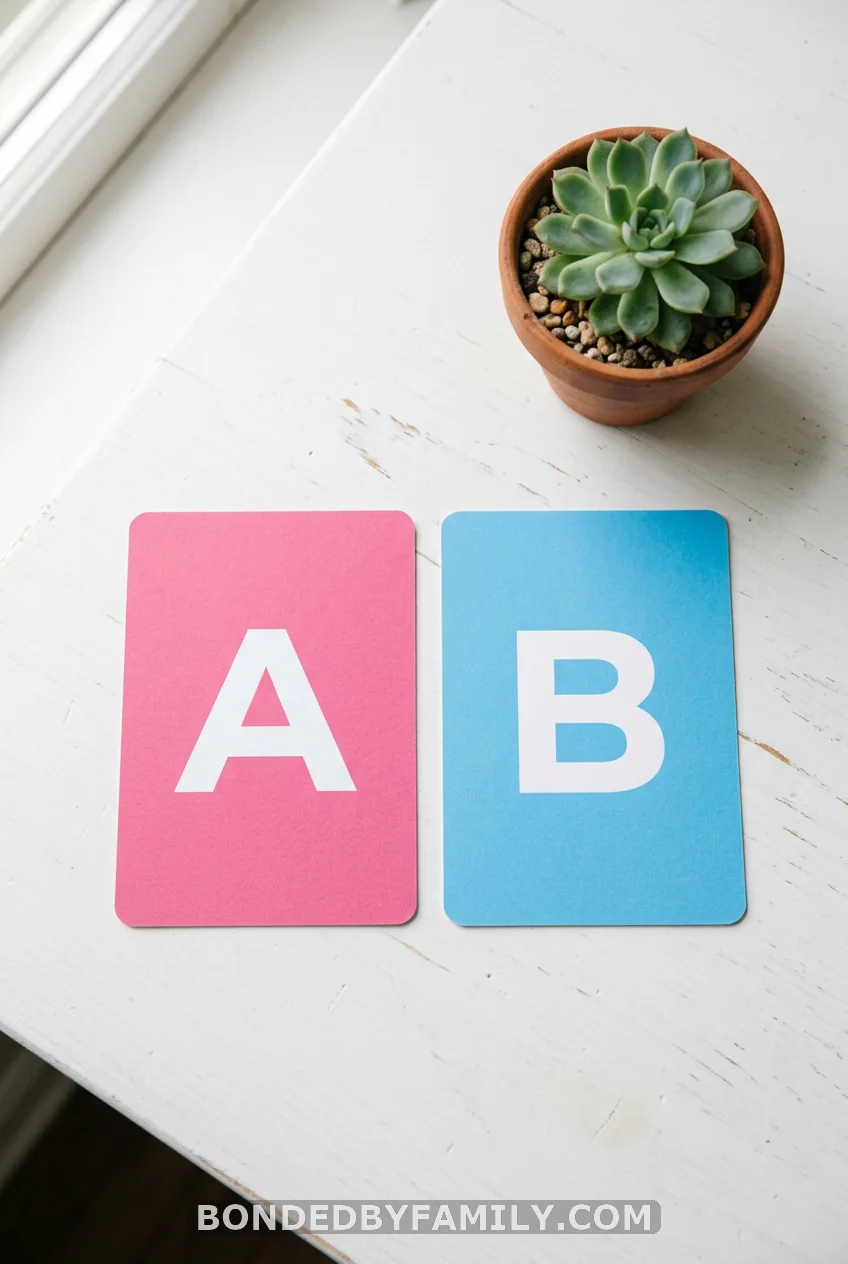
“Would you rather change 1,000 diapers in one day or wake up every 45 minutes for a full year?” “Would you rather your baby’s first word be ‘dada’ or ‘pizza’?” “Would you rather the baby look exactly like you or exactly like your mother-in-law?”
Read questions aloud and have guests vote A or B by typing in the chat. No wrong answers. Pure chaos. The value is the debate that follows, because someone always has a strong opinion. Keep 15 questions in your pocket, use 8–10.
14. Virtual Nursery Rhyme Quiz
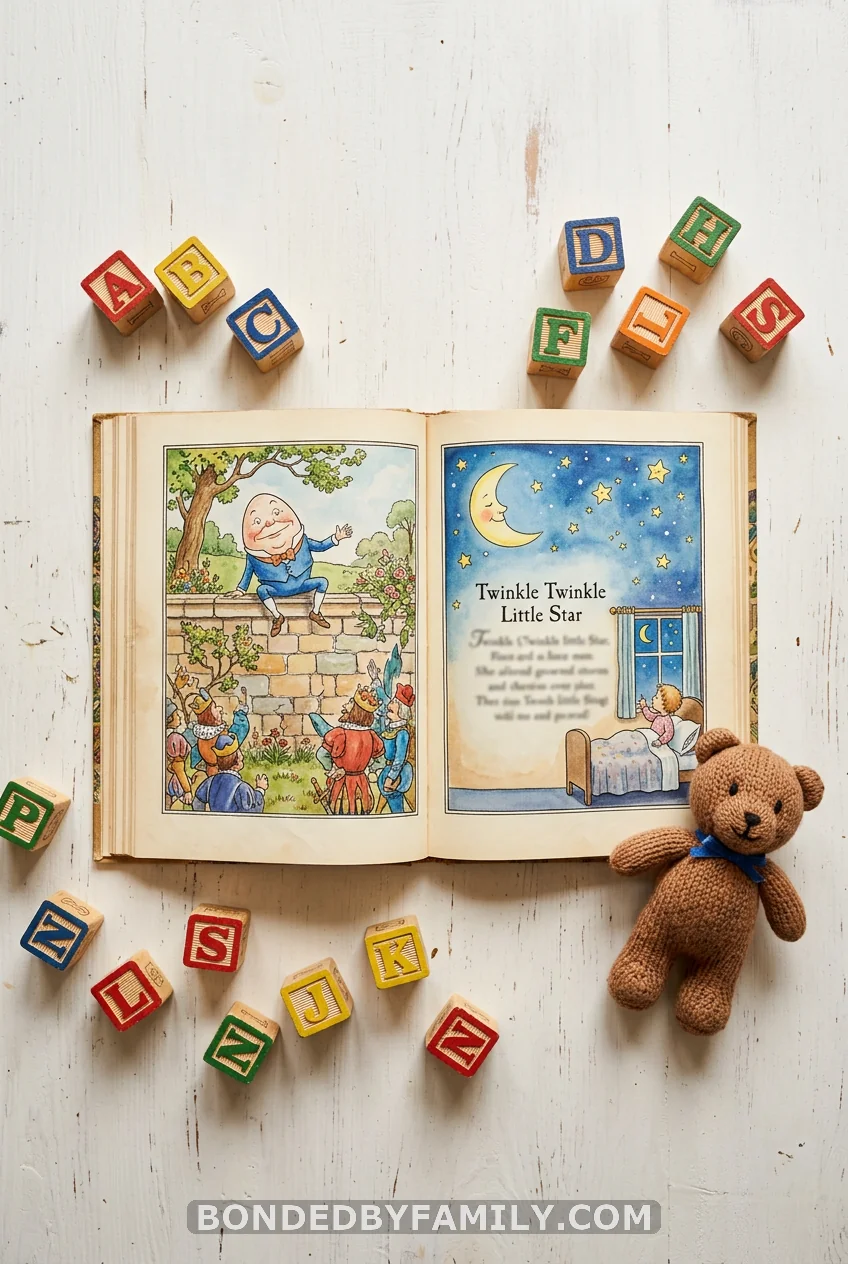
Read out the first line of a nursery rhyme, and guests have to complete it — either the next line or the title. “Jack and Jill went up the hill to fetch a pail of…” Start with familiar ones, then escalate to obscure ones. “Rain, rain, go away, come again another…” versus “Peter Peter pumpkin eater, had a wife and couldn’t…” That second one gets messy fast.
No materials needed. Read them aloud. Guests type answers. First right answer wins. Ten nursery rhymes are the right length — beyond that, you’ve exhausted the canon.
15. How Well Do You Know Mom?
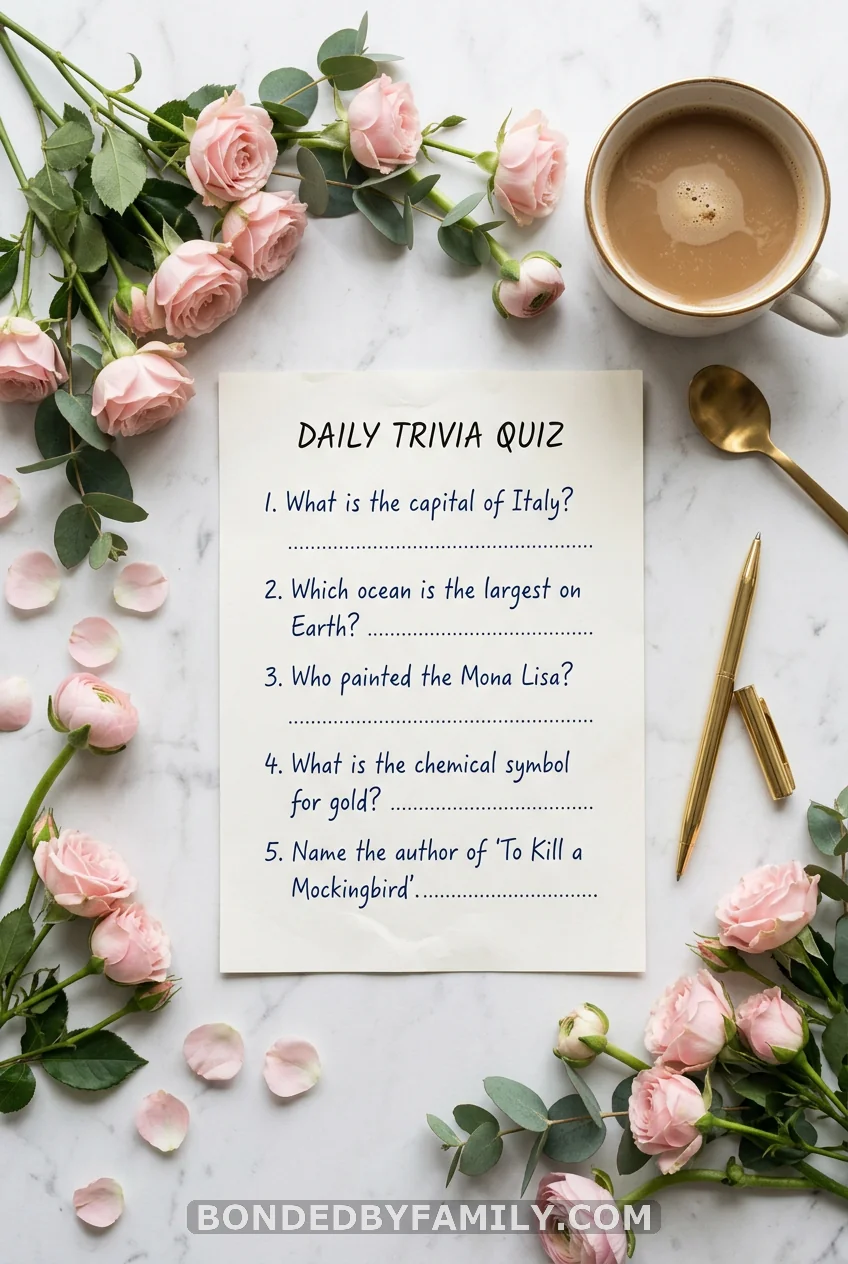
Interview Mom before the shower — 20 questions about herself. “What was your biggest pregnancy craving?” “What baby name did you love that your partner vetoed?” “What’s the first thing you bought for the nursery?” “What’s your biggest fear about labor?”
During the shower, guests try to match Mom’s answers. Display each question on screen. Everyone writes their guess. Mom reveals her real answer. Whoever scores highest over 20 questions wins. The questions about the vetoed baby name and the partner disagreements are always the most entertaining. Mom is usually very relieved to finally tell someone.
16. Baby Family Feud
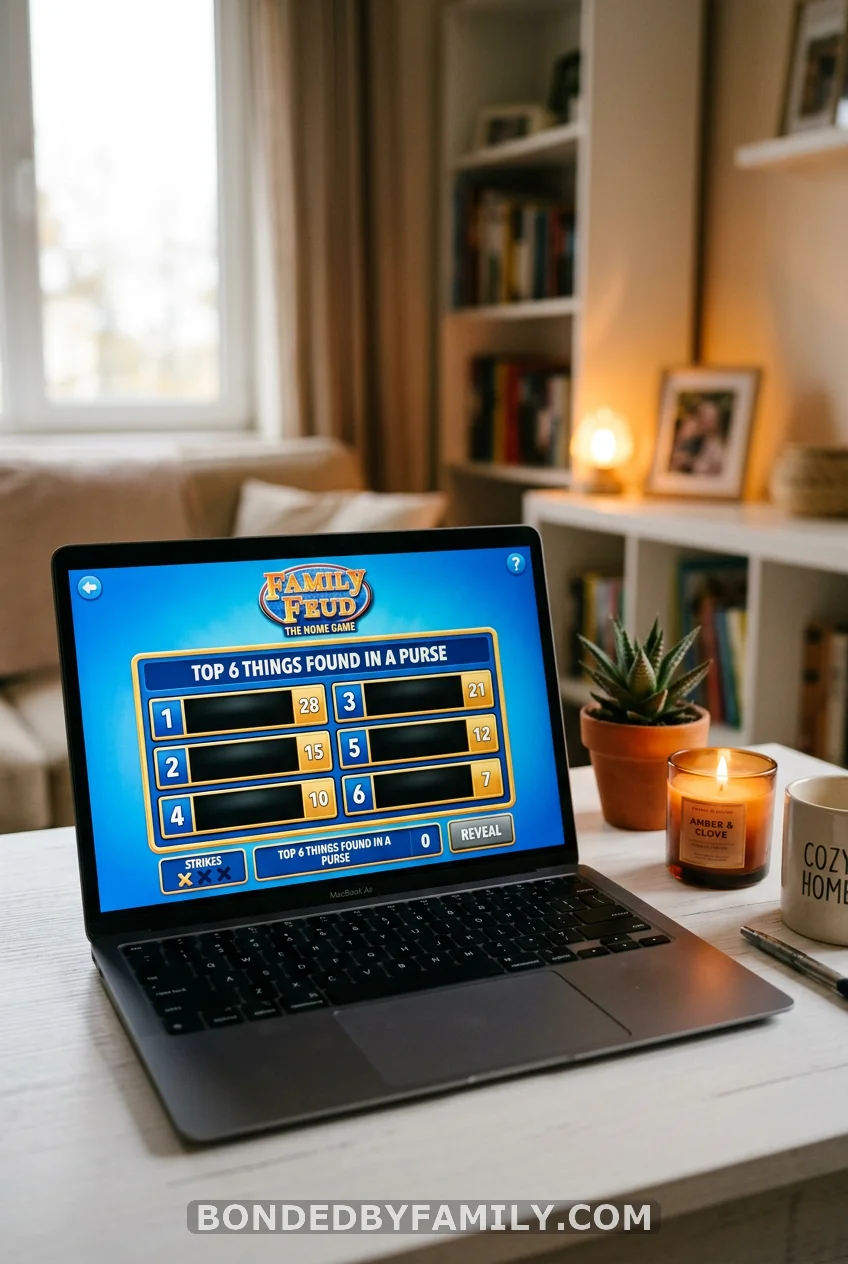
Divide the group into two teams. The host reads a survey question, and teams compete to name the most popular answers. “Name something you’d find in a diaper bag.” “Name a lullaby everyone knows.” “Name something that terrifies first-time dads.” Guests buzz in (type in the chat) and earn points for matching top survey answers.
You don’t need actual survey data. Make up plausible “top 5 answers” beforehand and keep them hidden. It plays just fine on the honor system when the host reveals one answer at a time. toppartygames.com sells a ready-made digital baby shower Family Feud template for around $6 if you don’t want to build your own.
17. Wishes for Baby (The One That Makes Everyone Cry)

Save this for last. Ask every guest to type one wish for the baby in the Zoom chat — sincere, funny, specific, or absurd. Then the host reads them all aloud without revealing who wrote which one. Everyone guesses who wrote what.
The wishes are the keepsake. Screenshot the chat. Copy them into a document. Print it and frame it. Or paste them into a digital baby book. Moms save these forever. What makes it work as a game is the guessing round — because “I wish for your baby to always have strong Wi-Fi” is recognizably from your tech-obsessed uncle, and “I wish for your baby to inherit your patience and her father’s hair” requires no explanation to anyone who knows the family.
No prep. No slides. No printables. Just people saying something true or funny into a screen, which is all a baby shower really needs to be.
How to Run Virtual Baby Shower Games Without the Tech Meltdown
A quick note on logistics, because the best games in the world fall flat if Zoom freezes at the wrong moment.
Pick your platform before the games. Zoom works for most groups under 100. Google Meet is free and fine for smaller crowds. If you’re using Kahoot, you’ll be screen-sharing and running a second app simultaneously — do a dry run.
Send materials in advance. Any game that uses a printable (bingo cards, prediction forms, emoji sheets) needs to go out at least 3 days before the shower with clear instructions. Not everyone prints quickly.
Virtual prizes are the way to go. $10–25 Amazon gift cards sent by email take 30 seconds to deliver. Venmo and Zelle work too. Starbucks e-gift cards are universally appreciated. Skip mailing physical prizes — someone’s address is always wrong.
Two to three games is the right number. A two-hour virtual shower has time for a conversation opener, a gift-opening session with bingo running in the background, one bigger game like Kahoot or Family Feud, and Wishes for Baby at the close. That’s a full, satisfying arc.
The Part Nobody Talks About: What Goes Wrong
Let me tell you about the virtual shower where the host picked 8 games, scheduled 15 minutes for each, and by game four, guests were muting themselves to feed their kids. The games were fine. The pacing was the problem.
Virtual socializing is tiring in a way that in-person parties aren’t. Screen fatigue is real. Guests who would happily stand around a living room for three hours will start drifting after 90 minutes of video calls. The solution isn’t fewer games — it’s less filler between them. No long speeches between rounds. No troubleshooting the screen share for eight minutes while everyone watches. No five-minute explanation for a game that should take 30 seconds to explain.
Keep the energy moving. Designate a technical co-host whose only job is to manage the Zoom settings, mute people who have barking dogs, and troubleshoot anything so the main host never has to break the flow.
Conclusion
Virtual baby shower games work when they’re chosen to fit a screen, not forced to adapt from a gym floor. The 17 options above range from zero-prep icebreakers to a full Kahoot tournament — pick the combination that fits your crowd’s energy and your time slot.
Two games done well beat six games done chaotically. Figure out which three from this list match your mom-to-be’s personality, build a loose agenda, and leave room for the moments that can’t be planned.
The laugh that comes from someone’s baby photo being unrecognizable. The mom is reading a wish for her baby and not being able to talk for a second. The competitive aunt who takes Kahoot too seriously and still hasn’t forgiven herself for round three.
That’s what the games are really for.
FAQ: Virtual Baby Shower Games
What are the best virtual baby shower games for large groups?
Kahoot Baby Trivia and Baby Family Feud scale best for larger groups because they’re team-based and screen-friendly. Kahoot supports up to 10 players free and more with a paid plan. Family Feud works well with teams of any size because guests can coordinate answers in a Zoom chat without needing individual supplies.
How many games should I play at a virtual baby shower?
Two to three games is ideal for a two-hour shower. One icebreaker early on (Don’t Say Baby or Who’s That Baby?), one mid-shower game during or after gifts (Bingo or Price Is Right), and one closer like Wishes for Baby or Kahoot. Beyond three games, energy tends to drop and guests get screen fatigue.
Can virtual baby shower games work on platforms other than Zoom?
Yes. Most of these games work on Google Meet, Microsoft Teams, FaceTime (small groups), and Facebook Messenger Rooms. Games requiring screen sharing (Kahoot, Jeopardy, Beer Belly, or Baby Bump) need a platform that supports it. Zoom and Google Meet both do. FaceTime does not currently offer screen share in a group call.
What do you give as prizes for virtual baby shower games?
Amazon e-gift cards ($10–25) sent by email are the easiest option. Starbucks, Target, or Sephora digital gift cards work just as well. If you prefer personal prizes, ship a small gift basket to the winner’s address in advance. Venmo or Zelle cash prizes are increasingly popular for quick, no-shipping wins.
What’s a good virtual baby shower game that doesn’t need any prep?
“Don’t Say Baby” requires zero prep — just announce the rule at the start. “Would You Rather — Baby Edition” needs only a list of questions you can write in five minutes. “Wishes for Baby” needs nothing at all. For low-prep games with a bit more structure, Baby Mad Libs runs entirely through the Zoom chat with no printables required.